
Hydrant history
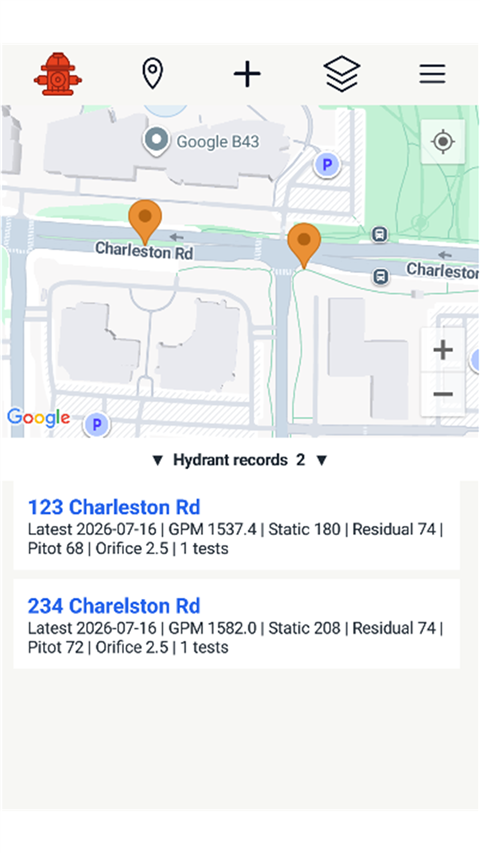
Each hydrant can hold recurring tests with date, static pressure, residual pressure, pitot pressure, orifice size, and calculated GPM.
Hydrant Mapping and Management
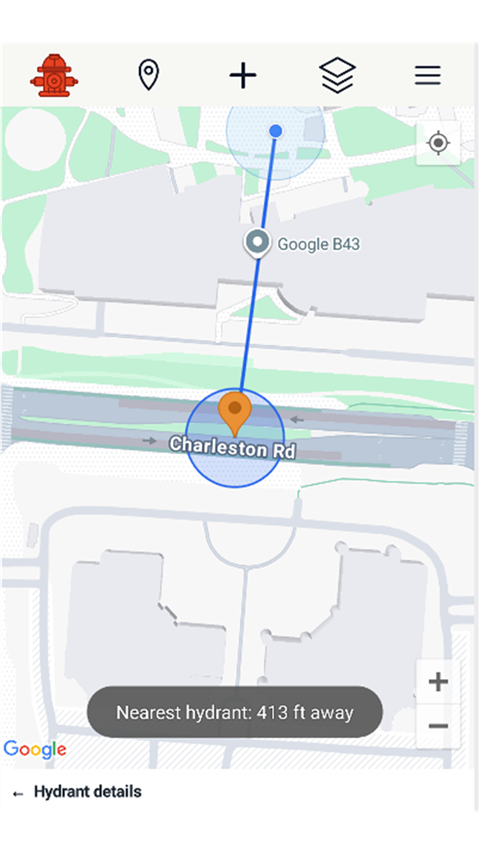
Record hydrant flow tests on a map, keep recurring test history, calculate GPM, find the nearest pinned hydrant, and export hydrant records when the work needs to leave the device.
Built for field records
Hydrant Manager focuses on the daily utility workflow: place hydrants on a map, record pressure and pitot readings, review prior tests, and move data through CSV when needed.
Each hydrant can hold recurring tests with date, static pressure, residual pressure, pitot pressure, orifice size, and calculated GPM.
Export all hydrant test rows with Android's document picker, or import hydrants from CSV to create records and append non-duplicate tests.
Use device location, switch map layers, long-press to pin hydrants, and open the installed maps app for turn-by-turn navigation.